Computer Start Up Error / Hard Drive
Read more
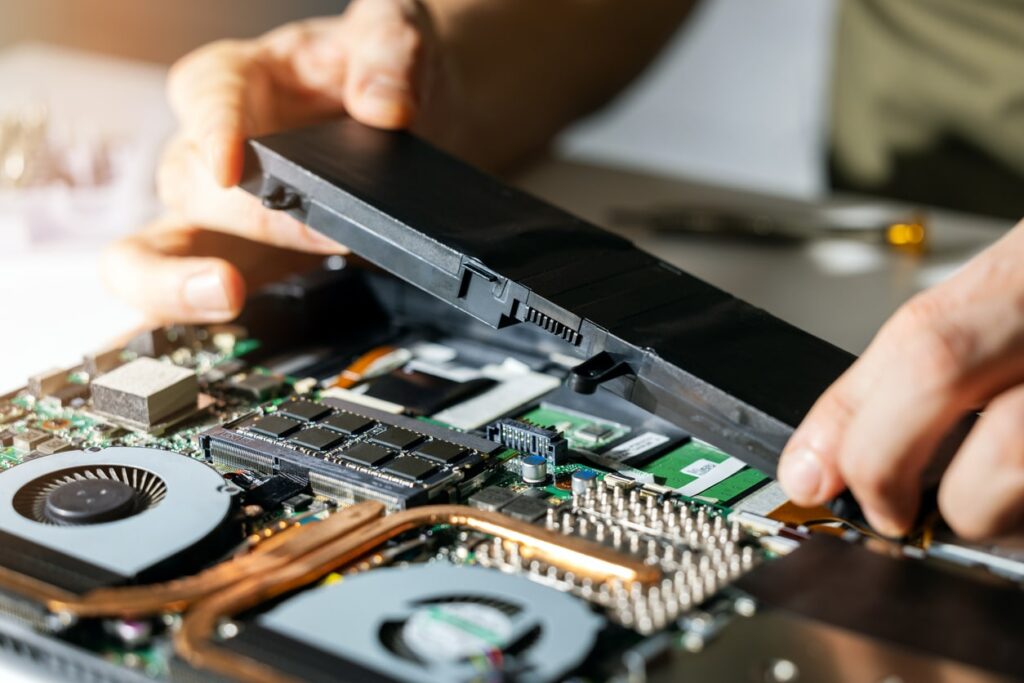
If your laptop battery no longer holds a charge, drains quickly, or only works when plugged in, a battery replacement may be the best solution. Continue reading to learn when replacement is needed and how professional service can restore your device’s portability.
Laptop batteries naturally wear out over time due to repeated charging cycles. Common warning signs include rapid battery drain, unexpected shutdowns, overheating, slow charging, or the battery percentage jumping suddenly. In some cases, the battery may swell, causing the laptop case or trackpad to lift, which should be addressed immediately for safety reasons.
Battery failure can be caused by age, heavy usage, frequent charging, or exposure to extreme temperatures. Running power-hungry applications for long periods and keeping the laptop plugged in constantly can also reduce battery lifespan. Physical damage or liquid exposure may further accelerate battery degradation.
Before replacing the battery, try basic troubleshooting steps. Lower screen brightness, close unnecessary programs, and check battery health settings if available. Updating the operating system and drivers may help resolve software-related battery issues. If the battery still does not perform properly after these steps, replacement is likely required.
Laptop battery replacement requires proper tools and compatible parts to ensure safe installation. The technicians at Cell Phone Repair can replace worn or damaged batteries efficiently, restoring battery life and improving overall performance. A new battery allows you to use your laptop without constantly relying on a power outlet.
Visit a local store for same-day battery replacement or bring in your laptop for evaluation. The technicians will provide a free estimate and ensure your device is repaired safely and reliably, helping extend the life of your computer.
Other Issues



CPR Cell Phone Repair can provide holistic warranty and repair solutions for all of your business’ devices.

CPR Cell Phone Repair can provide holistic warranty and repair solutions for all of your business’ devices.