.png)
.png)


Laptop Screen Repair
Cracks, flickering, black screens and dead pixels all point to display damage. Learn what's repairable and what needs replacing.

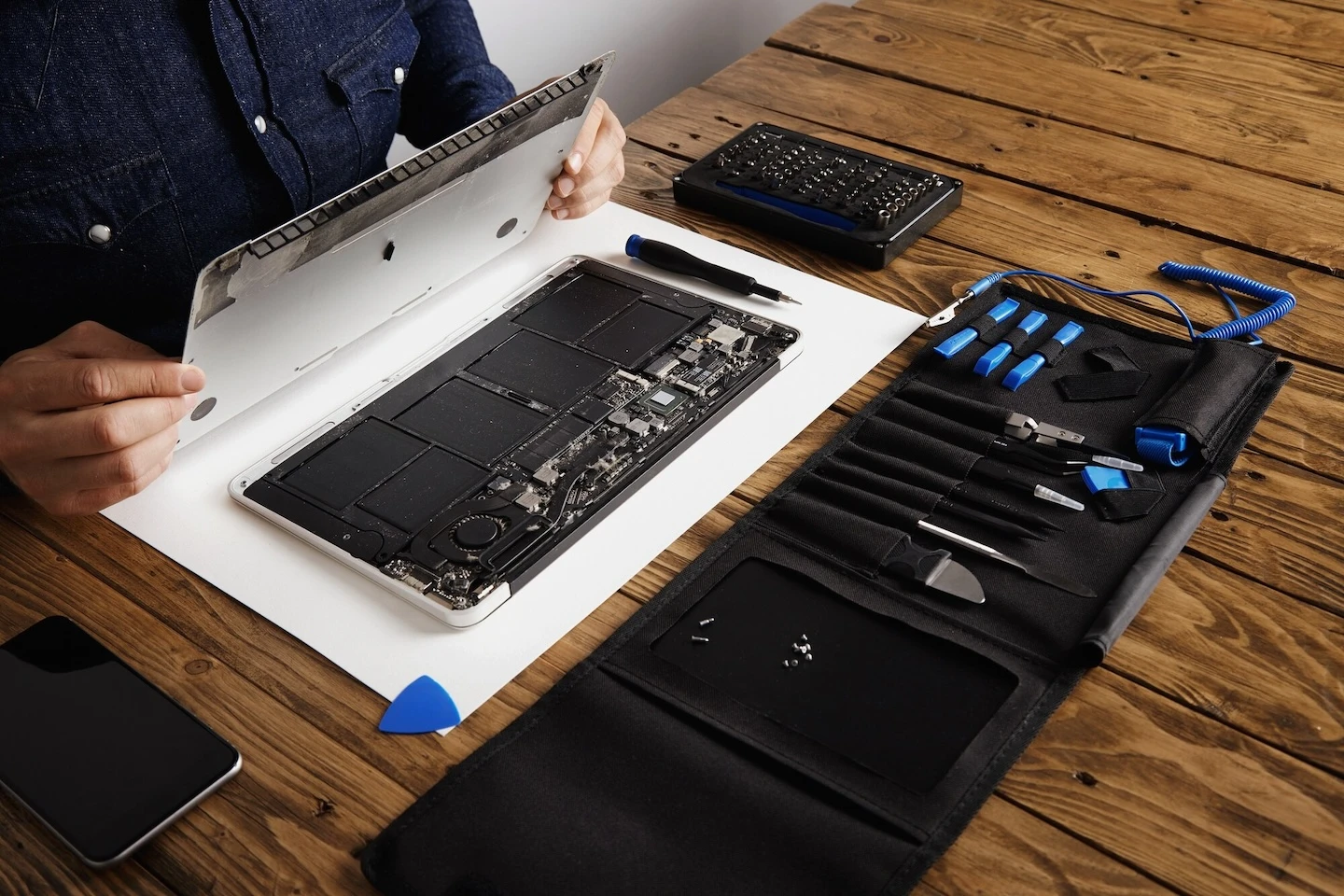
MacBook Pro Battery Replacement
A swollen battery or a MacBook that dies unplugged means the battery is at end of life. Learn the signs and what's involved.

MacBook Pro Screen Replacement
Cracked display, backlight failure or lines across the screen? Learn what a MacBook Pro screen replacement involves.
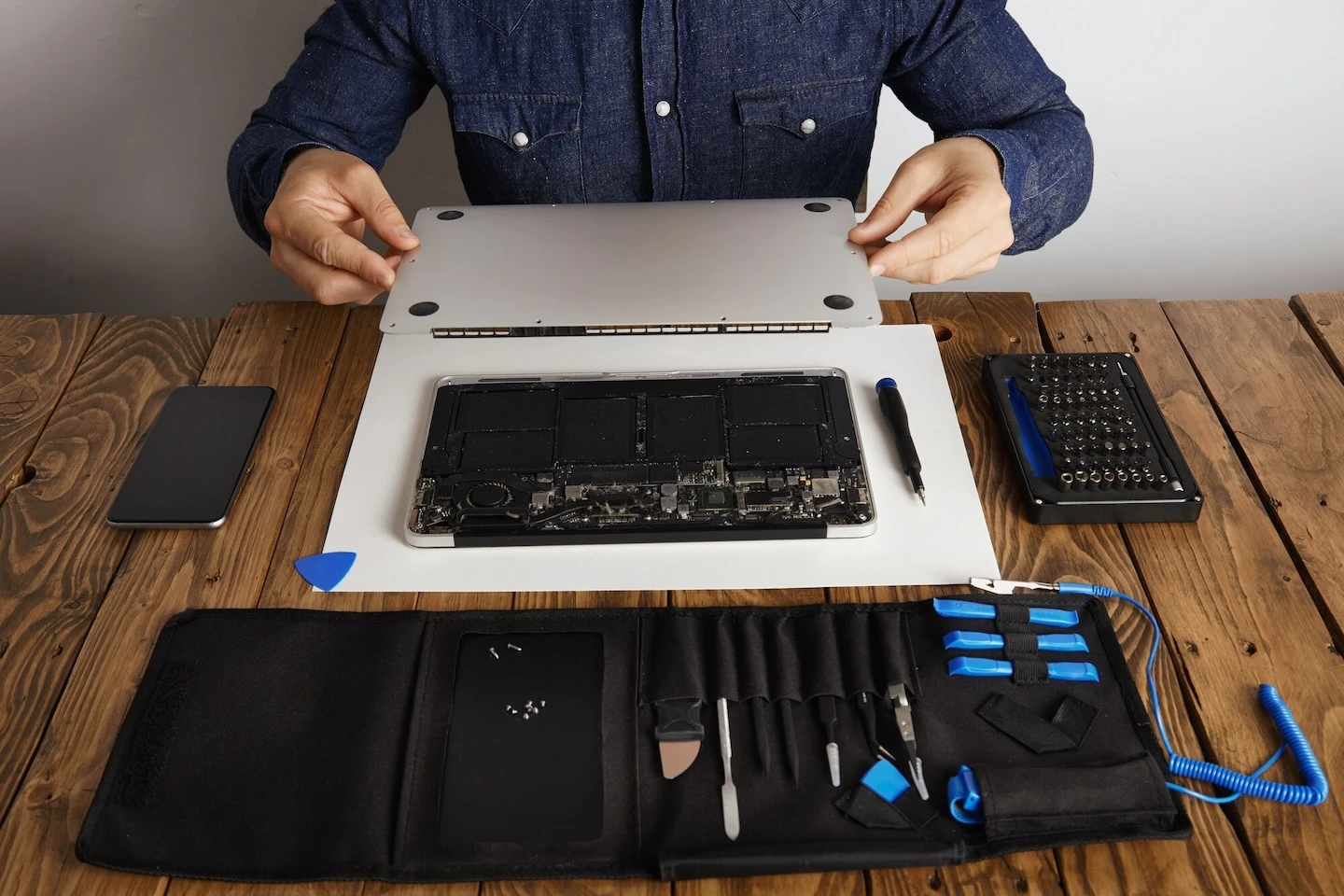
MacBook Pro Logic Board Repair
A MacBook that won't power on or randomly shuts down may have logic board damage. Learn how board-level repair works.
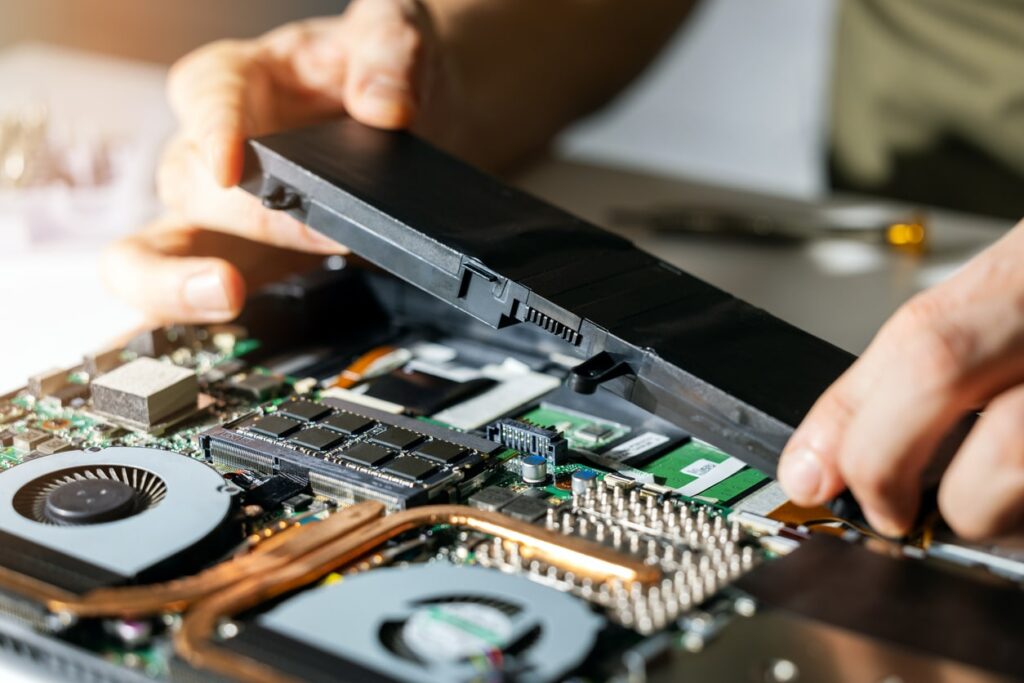
Computer Battery Replacement
If your laptop only runs plugged in or drains within an hour, the battery is worn out. Learn when replacement is the right call.

Virus & Malware Removal
Pop-ups, sudden slowdowns, browser redirects and unfamiliar programs are classic infection signs. Learn how to clean it up safely.

MacBook Pro Keyboard Replacement
Sticky, repeating or dead keys are common MacBook keyboard failures. Learn what causes them and how they're fixed.

MacBook Air Hard Drive Replacement
Running out of space or seeing signs of drive failure? Learn what a hard drive replacement involves and how data is handled.
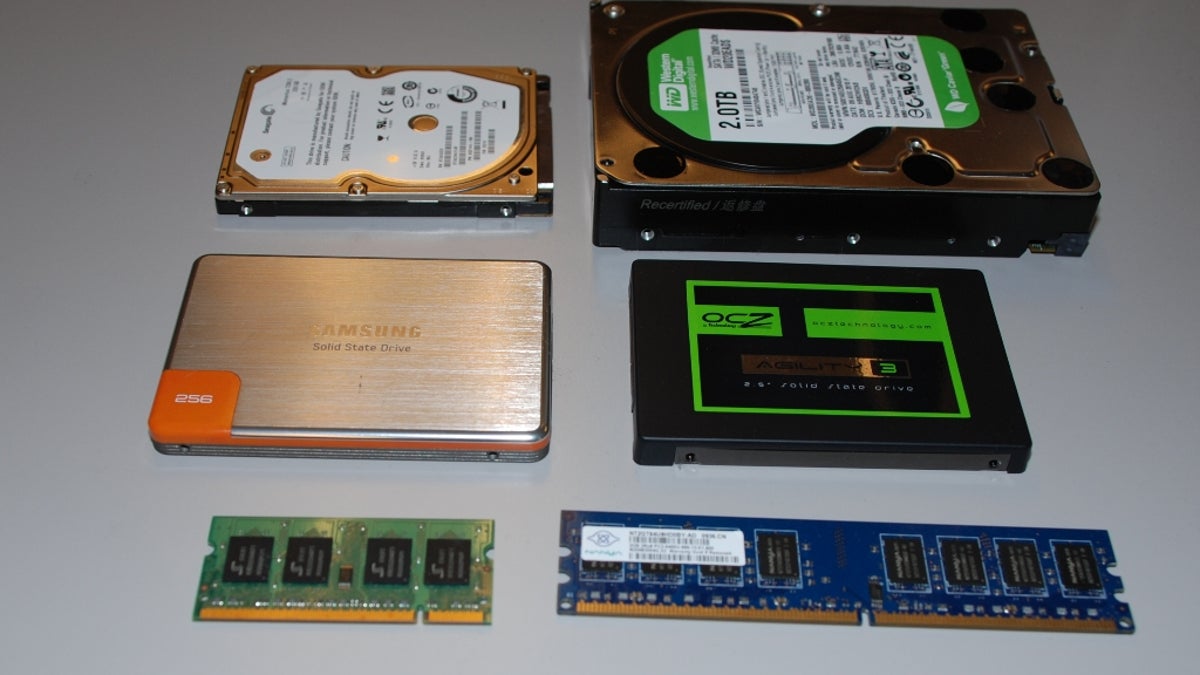
Memory & Hard Drive Upgrade
A slow computer often just needs more memory or a faster drive, not a replacement. Learn which upgrade actually helps.

Start-Up Error & Hard Drive Issues
Boot loops, error messages and blue screens usually point to drive or software failure. Learn how to diagnose the cause.
.webp)
Data Transfer
Moving to a new computer? Learn how to transfer files, photos and settings safely without losing anything along the way.


FAQs
Frequently Asked Questions
.png)
Find your local CPR Store
Can't find your issue?
Bring your device to a CPR store — free diagnostics,
no appointment needed.