Computer Memory / Hard Drive Upgrade
Read more
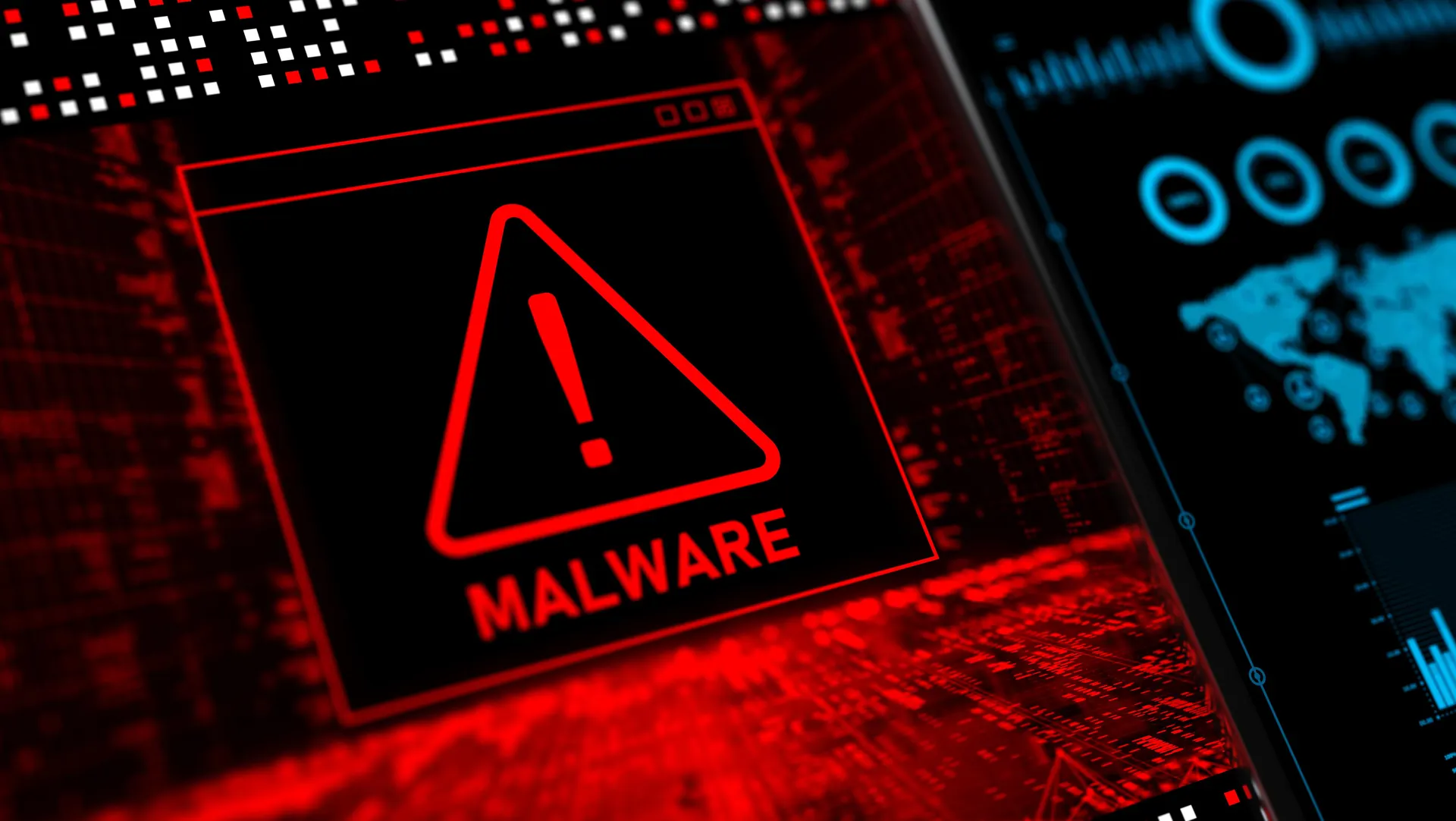
If your computer is running slowly, behaving unexpectedly, or showing suspicious pop-ups, it may be infected with a virus or malware. Continue reading to learn more about common signs, causes, and professional solutions to keep your system secure.
Common Signs of Virus or Malware Infection
Viruses and malware can significantly affect your computer’s performance and security. Common symptoms include slow startup and processing speeds, frequent crashes or freezing, unwanted pop-up ads, browser redirects, unfamiliar programs installing themselves, or disabled security software. In severe cases, malware can steal personal information, passwords, or financial data without your knowledge.
Causes of Computer Virus and Malware Infections
Malware often enters a computer through unsafe downloads, malicious email attachments, fake software updates, or infected websites. Using outdated operating systems, weak passwords, or unprotected networks can increase the risk of infection. External devices such as USB drives may also introduce viruses if they are not scanned properly.
Troubleshooting and Immediate Precautions
If you suspect malware, avoid entering sensitive information or making online transactions. Disconnecting from the internet can help prevent further data exposure. Running a trusted antivirus or anti-malware scan may detect some threats, but advanced infections can be difficult to remove completely without professional tools. Backing up important data is also recommended, if possible.
Risks of Ignoring Virus or Malware Issues
Ignoring malware infections can lead to serious consequences, including data loss, identity theft, corrupted files, and system failure. Over time, malware can spread to other devices on the same network, creating additional security risks.
Professional Virus and Malware Removal Services
For thorough and reliable protection, professional virus and malware removal is recommended. The technicians at Cell Phone Repair can safely remove infections, restore system performance, and install security updates to help prevent future threats. Visit a local store for same-day service or bring in your computer for a full diagnostic. Free estimates are always available.
Other Issues
Get It Fixed Today!
CPR Cell Phone Repair can provide holistic warranty and repair solutions for all of your business’ devices.

Buy or Sell Your Device
CPR Cell Phone Repair can provide holistic warranty and repair solutions for all of your business’ devices.




All CPR Stores are independently owned and operated and may not offer all of the repair and warranty types listed on this website. Contact your local store for their specific repair capabilities and warranty terms. MMI-CPR, LLC and CPR Stores are not liable for warranties made by third parties on specific accessories or devices sold at CPR Stores. All product and company names are trademarks of their respective holders. iPhone, iPad, iPod, iPod touch, Mac and iMac are registered trademarks and property of Apple, Inc. CPR is a third-party repair company and is not affiliated with Apple.

Virus / Malware Removal
If your computer is running slowly, behaving unexpectedly, or showing suspicious pop-ups, it may be infected with a virus or malware. Continue reading to learn more about common signs, causes, and professional solutions to keep your system secure.
Common Signs of Virus or Malware Infection
Viruses and malware can significantly affect your computer’s performance and security. Common symptoms include slow startup and processing speeds, frequent crashes or freezing, unwanted pop-up ads, browser redirects, unfamiliar programs installing themselves, or disabled security software. In severe cases, malware can steal personal information, passwords, or financial data without your knowledge.
Causes of Computer Virus and Malware Infections
Malware often enters a computer through unsafe downloads, malicious email attachments, fake software updates, or infected websites. Using outdated operating systems, weak passwords, or unprotected networks can increase the risk of infection. External devices such as USB drives may also introduce viruses if they are not scanned properly.
Troubleshooting and Immediate Precautions
If you suspect malware, avoid entering sensitive information or making online transactions. Disconnecting from the internet can help prevent further data exposure. Running a trusted antivirus or anti-malware scan may detect some threats, but advanced infections can be difficult to remove completely without professional tools. Backing up important data is also recommended, if possible.
Risks of Ignoring Virus or Malware Issues
Ignoring malware infections can lead to serious consequences, including data loss, identity theft, corrupted files, and system failure. Over time, malware can spread to other devices on the same network, creating additional security risks.
Professional Virus and Malware Removal Services
For thorough and reliable protection, professional virus and malware removal is recommended. The technicians at Cell Phone Repair can safely remove infections, restore system performance, and install security updates to help prevent future threats. Visit a local store for same-day service or bring in your computer for a full diagnostic. Free estimates are always available.
Choose what you need fixed to begin your Free repair estimate — we’ll guide you every step of the way.

Smartphone
Computer

Tablet

Console
All CPR Stores are independently owned and operated and may not offer all of the repair and warranty types listed on this website. Contact your local store for their specific repair capabilities and warranty terms. MMI-CPR, LLC and CPR Stores are not liable for warranties made by third parties on specific accessories or devices sold at CPR Stores. All product and company names are trademarks of their respective holders. iPhone, iPad, iPod, iPod touch, Mac and iMac are registered trademarks and property of Apple, Inc. CPR is a third-party repair company and is not affiliated with Apple.