Tablet - Battery Drains Fast
Read more
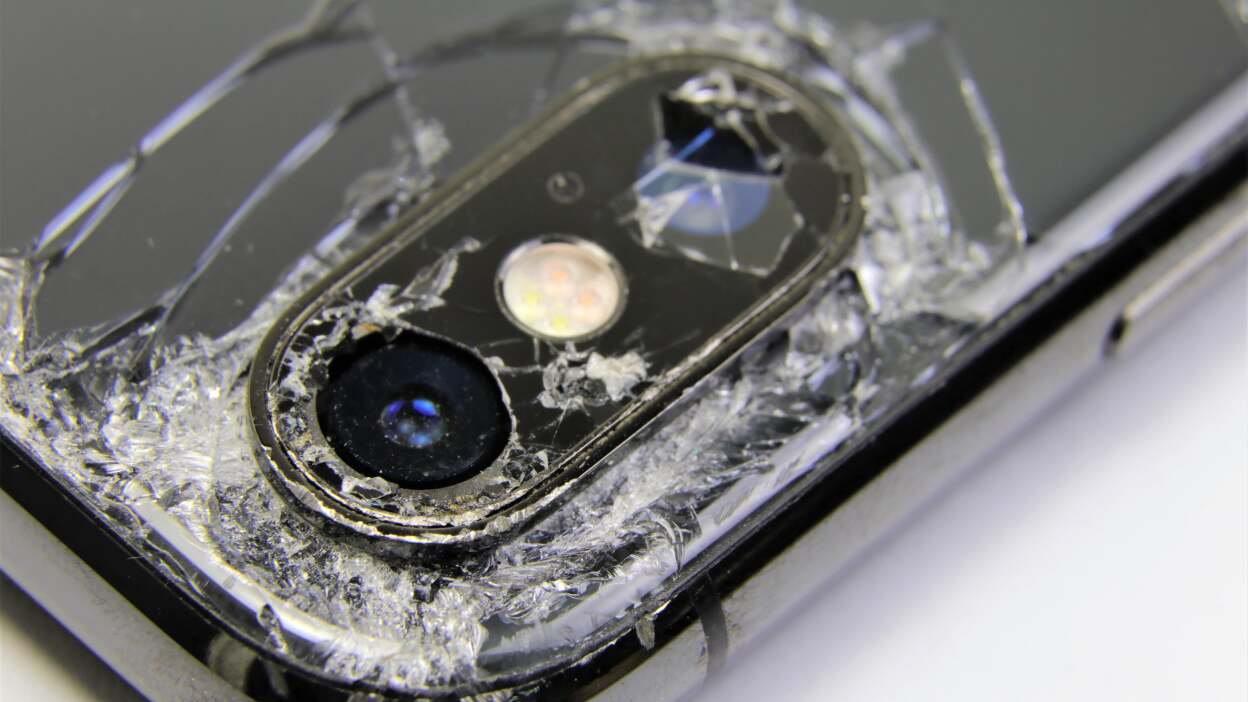
If your tablet’s front camera is not working properly, producing poor image quality, or failing to open, continue reading to learn about common causes, troubleshooting steps, and repair options.
The front camera on a tablet is commonly used for video calls, online meetings, selfies, face recognition, and virtual learning. Common issues include a black or frozen camera screen, blurry or grainy images, poor focus, discoloration, or the camera app crashing. In some cases, the front camera may stop working altogether while other tablet functions remain normal.
Front camera problems can be caused by software glitches, outdated operating systems, or conflicts with third-party apps that use the camera. Physical damage from drops or pressure, liquid exposure, or dust and debris near the camera lens can also affect performance. Internal connector issues may prevent the camera from communicating properly with the tablet’s system.
Start by restarting your tablet to reset the system. Clean the front camera lens gently with a microfiber cloth to remove smudges or debris. Check for system and app updates, and close any apps that may be using the camera in the background. If the camera still shows a black screen or blurry images after these steps, the issue may be hardware-related.
Ignoring front camera issues can affect communication, productivity, and daily use, especially for video calls, online classes, or remote work. Persistent camera problems may worsen over time if caused by internal damage, making future repairs more complicated.
If troubleshooting does not resolve the problem, professional repair is recommended. The technicians at Cell Phone Repair can diagnose front camera issues and replace faulty components safely and efficiently. Visit a local store for same-day repairs or mail in your tablet at your convenience. Free repair estimates are always available.
Other Issues




Get It Fixed Today!
CPR Cell Phone Repair can provide holistic warranty and repair solutions for all of your business’ devices.

Buy or Sell Your Device
CPR Cell Phone Repair can provide holistic warranty and repair solutions for all of your business’ devices.




All CPR Stores are independently owned and operated and may not offer all of the repair and warranty types listed on this website. Contact your local store for their specific repair capabilities and warranty terms. MMI-CPR, LLC and CPR Stores are not liable for warranties made by third parties on specific accessories or devices sold at CPR Stores. All product and company names are trademarks of their respective holders. iPhone, iPad, iPod, iPod touch, Mac and iMac are registered trademarks and property of Apple, Inc. CPR is a third-party repair company and is not affiliated with Apple.