Computer Battery Replacement
Read more
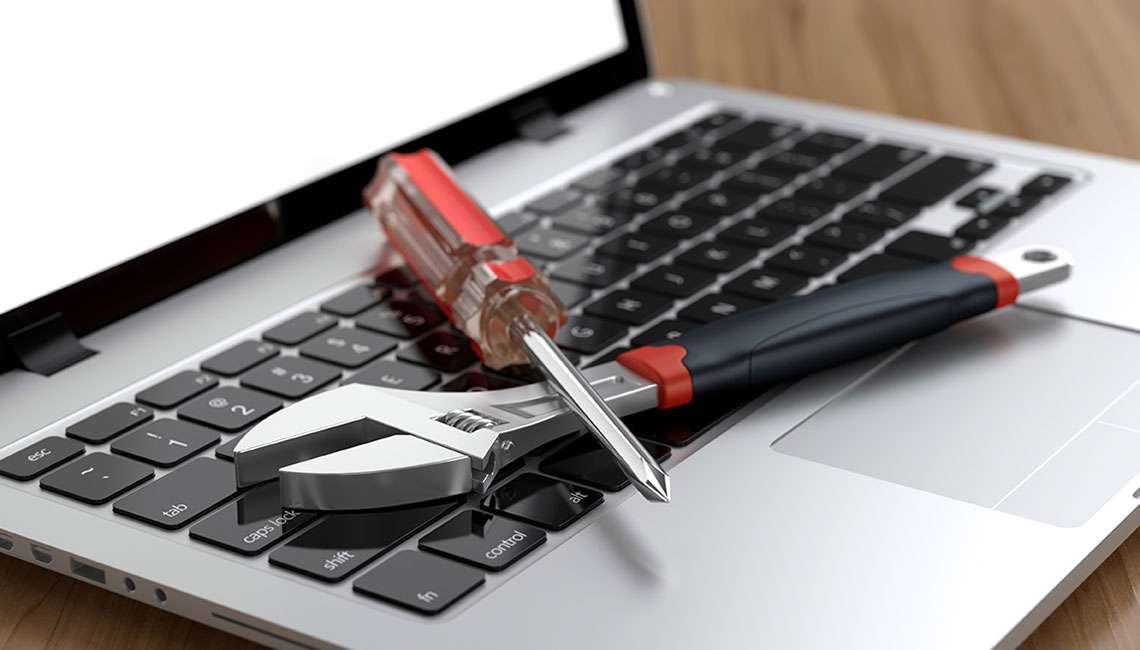
If your computer is experiencing problems that don’t fall into common categories like screen damage, battery failure, or virus infections, you’re not alone. Computers can develop a wide range of issues that affect performance, usability, and reliability. Continue reading to learn about various computer problems, possible causes, and available solutions.
Many computer problems are related to software rather than hardware. These issues may include slow performance, frequent freezing or crashing, programs failing to open, error messages, or operating system updates that do not install correctly. Corrupted system files, incompatible software, outdated drivers, or improper shutdowns can all disrupt normal operation. Over time, excessive temporary files and background processes can also slow down your system significantly.
Hardware issues can impact different components of your computer. Problems such as malfunctioning keyboards, unresponsive touchpads or mice, faulty USB ports, overheating, loud fan noise, or random shutdowns often point to internal component failures. Dust buildup, aging parts, loose connections, or power-related issues can prevent hardware from working properly and may worsen if left untreated.
Computers may experience display problems such as flickering screens, distorted images, low brightness, or external monitor connection failures. Audio issues, including no sound, distorted sound, or microphone problems, can interfere with communication and entertainment. Connectivity problems such as unstable Wi-Fi, Bluetooth pairing failures, or network dropouts can disrupt work and online access.
Storage-related issues may include missing files, corrupted data, slow file access, or errors when saving or opening documents. These problems can stem from failing storage drives, software corruption, or accidental deletion. Running out of storage space can also impact system performance and prevent updates from installing correctly.
In addition to viruses and malware, computers may face security risks such as unauthorized access, compromised accounts, or system vulnerabilities. Warning signs may include unusual login activity, disabled security features, or unexplained system changes. Addressing these concerns promptly helps protect personal data and prevent further damage.
Many computer issues share similar symptoms, making it difficult to identify the root cause without proper testing. Attempting repairs without the right tools or knowledge can lead to data loss or additional damage. Professional diagnosis ensures accurate identification of both hardware and software problems and helps prevent recurring issues.
The technicians at Cell Phone Repair are trained to handle a wide range of computer issues, from minor software fixes to complex hardware repairs. Whether your computer has multiple problems or an unusual issue that’s hard to identify, professional support can restore performance and reliability. Visit a local store for same-day service or bring in your computer for a full evaluation. Free estimates are always available.
Other Issues



CPR Cell Phone Repair can provide holistic warranty and repair solutions for all of your business’ devices.

CPR Cell Phone Repair can provide holistic warranty and repair solutions for all of your business’ devices.