Home
Smartphone Repair
Common-issues

Home Button Replacement

Common issues banner image

Have you left the home screen on your cell phone only to find out that you are unable to return? Broken home buttons are common and can completely disrupt your ability to operate your phone. We can repair your home button. However, there are some techniques that you can try before contacting us for repair.

Troubleshooting Home Button Problems

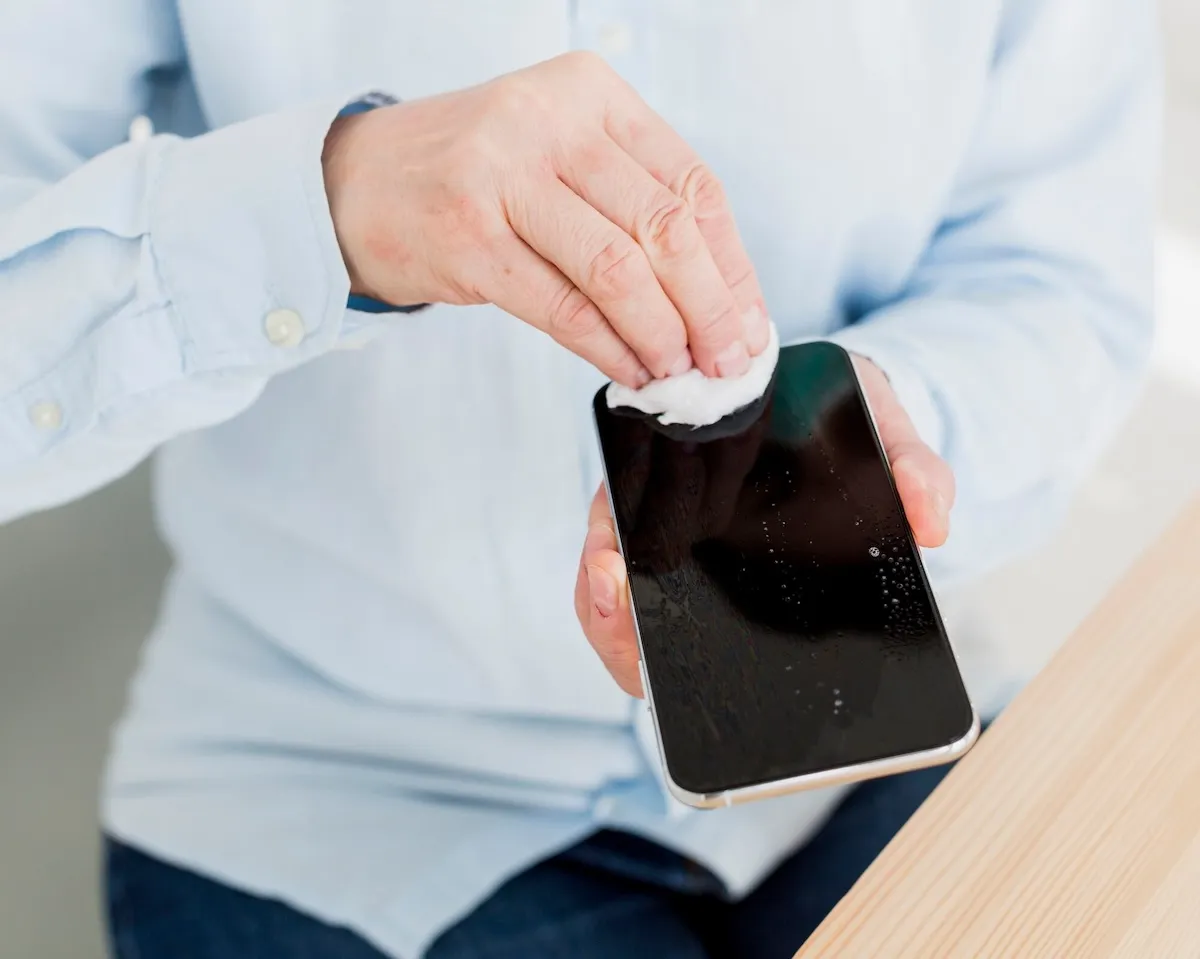
The issue could be dirt or sticky substance on or around the home button. Try using some rubbing alcohol (99%) and a tissue or cotton swab to wipe around the button. If this does not work, let a few drops of the alcohol land directly on the home button. Then tap the home button to let the alcohol seep in around it. After wiping the surface, wait about 15 minutes before testing the button again.

You can also try to calibrate the phone. First, open an app that was pre-installed, such as the clock. Then, hold down the sleep button until the “slide to power off” notification appears. Finally, press the home button and hold it until the home screen re-appears. Sometimes your home button can be misaligned from constant plugging and unplugging of the power connector. You can often pop it back into place but plugging in the connector, laying the phone flat, and pressing down on the connector for leverage.

Repairing Your Home Button

If none of these options worked, you probably need a professional repair for your home button. Our experienced technicians are happy to help. We keep parts for most common repairs in stock, so most of the time we can perform a same day home button repair. We also offer a mail-in repair service for customers who can’t get to a local store.

Other Issues
Get It Fixed Today!

CPR Cell Phone Repair can provide holistic warranty and repair solutions for all of your business’ devices.

Button
Business card image

Buy or Sell Your Device

CPR Cell Phone Repair can provide holistic warranty and repair solutions for all of your business’ devices.


Button
Education card image
Home
Smartphone Repair
Home Button Replacement

Home Button Replacement

Have you left the home screen on your cell phone only to find out that you are unable to return? Broken home buttons are common and can completely disrupt your ability to operate your phone. We can repair your home button. However, there are some techniques that you can try before contacting us for repair.

Troubleshooting Home Button Problems

The issue could be dirt or sticky substance on or around the home button. Try using some rubbing alcohol (99%) and a tissue or cotton swab to wipe around the button. If this does not work, let a few drops of the alcohol land directly on the home button. Then tap the home button to let the alcohol seep in around it. After wiping the surface, wait about 15 minutes before testing the button again.

You can also try to calibrate the phone. First, open an app that was pre-installed, such as the clock. Then, hold down the sleep button until the “slide to power off” notification appears. Finally, press the home button and hold it until the home screen re-appears. Sometimes your home button can be misaligned from constant plugging and unplugging of the power connector. You can often pop it back into place but plugging in the connector, laying the phone flat, and pressing down on the connector for leverage.

Repairing Your Home Button

If none of these options worked, you probably need a professional repair for your home button. Our experienced technicians are happy to help. We keep parts for most common repairs in stock, so most of the time we can perform a same day home button repair. We also offer a mail-in repair service for customers who can’t get to a local store.

Get Started — We’ll Help You Fix It

Choose what you need fixed to begin your Free repair estimate — we’ll guide you every step of the way.

Black smartphone showing colorful abstract wallpaper on screen, back facing left displaying dual cameras and flash.

Smartphone

Silver laptop floating with screen showing northern lights over water.

Computer

Front and back views of a tablet with a touchscreen display and a stylus pen beside it.

Tablet

White PlayStation 5 console with a matching DualSense controller.

Console