Battery Issue
Read more
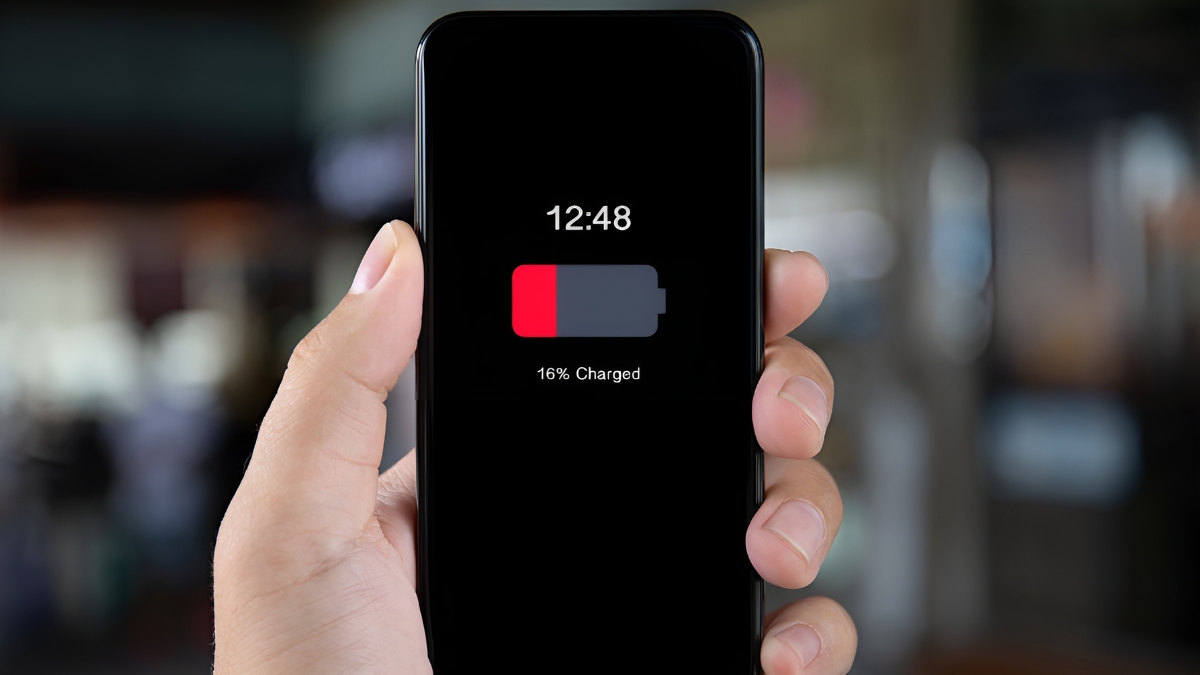
If your phone battery drains faster than normal, continue reading to learn what might be causing the issue and how to fix it.
Smartphones are designed to handle daily tasks like calling, texting, browsing, and app usage, but heavy use can take a toll on the battery over time. Running multiple apps in the background, high screen brightness, frequent notifications, location services, and outdated software can all cause your battery to drain quickly. In some cases, an aging or damaged battery may no longer be able to hold a full charge.
Start by checking which apps are using the most power in your phone’s battery settings and close or uninstall unnecessary apps. Lowering screen brightness, turning off Bluetooth, Wi-Fi, and location services when not in use, and enabling battery saver mode can also help extend battery life. Restarting your phone may resolve software glitches, and installing the latest system updates can improve power efficiency.
If you’ve tried troubleshooting and your battery still drains too fast, it may be time for a replacement. The technicians at Cell Phone Repair can diagnose the issue and replace your battery quickly and safely. Visit a local store for same-day service or mail in your device for repair. Free estimates are always available.
Other Issues
Get It Fixed Today!
CPR Cell Phone Repair can provide holistic warranty and repair solutions for all of your business’ devices.

Buy or Sell Your Device
CPR Cell Phone Repair can provide holistic warranty and repair solutions for all of your business’ devices.




All CPR Stores are independently owned and operated and may not offer all of the repair and warranty types listed on this website. Contact your local store for their specific repair capabilities and warranty terms. MMI-CPR, LLC and CPR Stores are not liable for warranties made by third parties on specific accessories or devices sold at CPR Stores. All product and company names are trademarks of their respective holders. iPhone, iPad, iPod, iPod touch, Mac and iMac are registered trademarks and property of Apple, Inc. CPR is a third-party repair company and is not affiliated with Apple.

Battery Drains Fast
If your phone battery drains faster than normal, continue reading to learn what might be causing the issue and how to fix it.
Smartphones are designed to handle daily tasks like calling, texting, browsing, and app usage, but heavy use can take a toll on the battery over time. Running multiple apps in the background, high screen brightness, frequent notifications, location services, and outdated software can all cause your battery to drain quickly. In some cases, an aging or damaged battery may no longer be able to hold a full charge.
Start by checking which apps are using the most power in your phone’s battery settings and close or uninstall unnecessary apps. Lowering screen brightness, turning off Bluetooth, Wi-Fi, and location services when not in use, and enabling battery saver mode can also help extend battery life. Restarting your phone may resolve software glitches, and installing the latest system updates can improve power efficiency.
If you’ve tried troubleshooting and your battery still drains too fast, it may be time for a replacement. The technicians at Cell Phone Repair can diagnose the issue and replace your battery quickly and safely. Visit a local store for same-day service or mail in your device for repair. Free estimates are always available.
Choose what you need fixed to begin your Free repair estimate — we’ll guide you every step of the way.

Smartphone

Computer
Tablet

Console
All CPR Stores are independently owned and operated and may not offer all of the repair and warranty types listed on this website. Contact your local store for their specific repair capabilities and warranty terms. MMI-CPR, LLC and CPR Stores are not liable for warranties made by third parties on specific accessories or devices sold at CPR Stores. All product and company names are trademarks of their respective holders. iPhone, iPad, iPod, iPod touch, Mac and iMac are registered trademarks and property of Apple, Inc. CPR is a third-party repair company and is not affiliated with Apple.