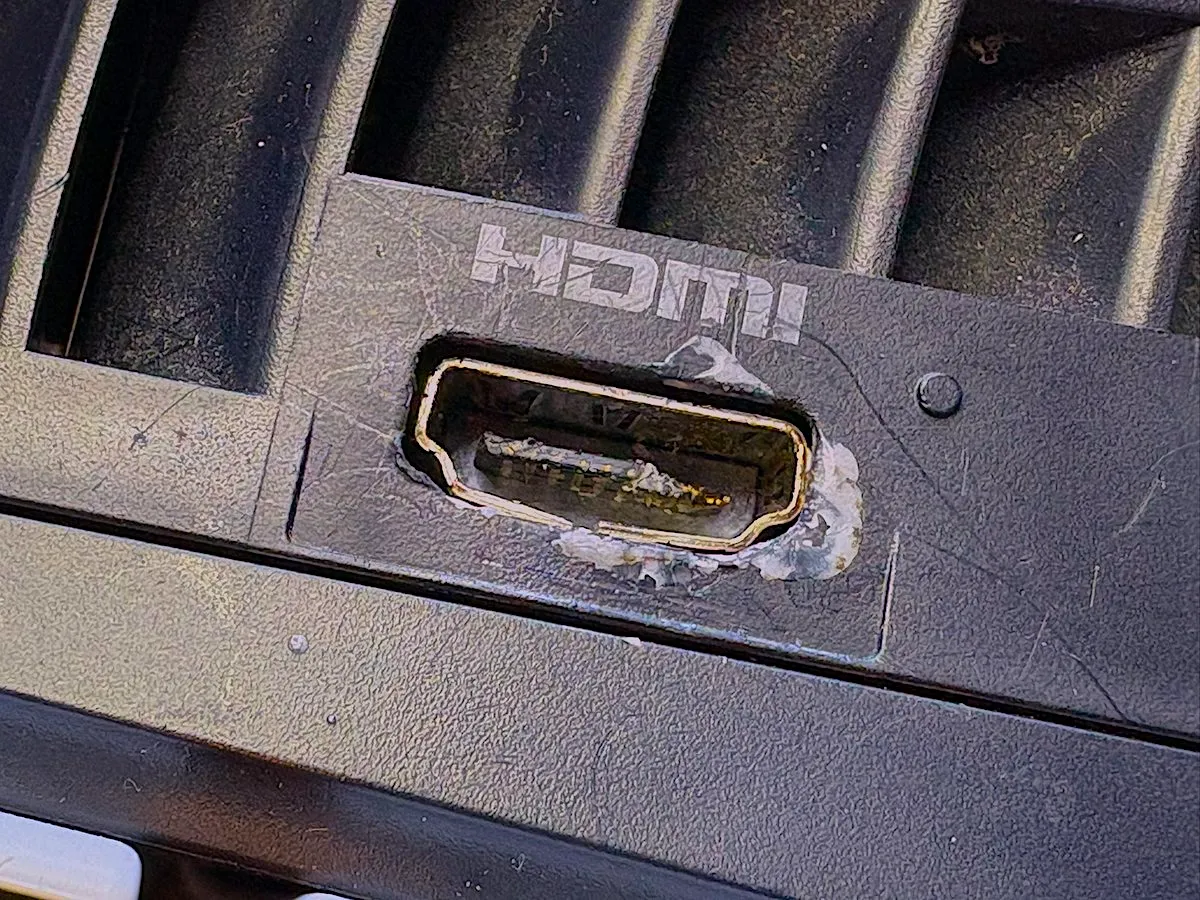
How to Protect Your PS5 HDMI Port and Avoid a Trip to the Repair Shop
Read Full Article
29th December
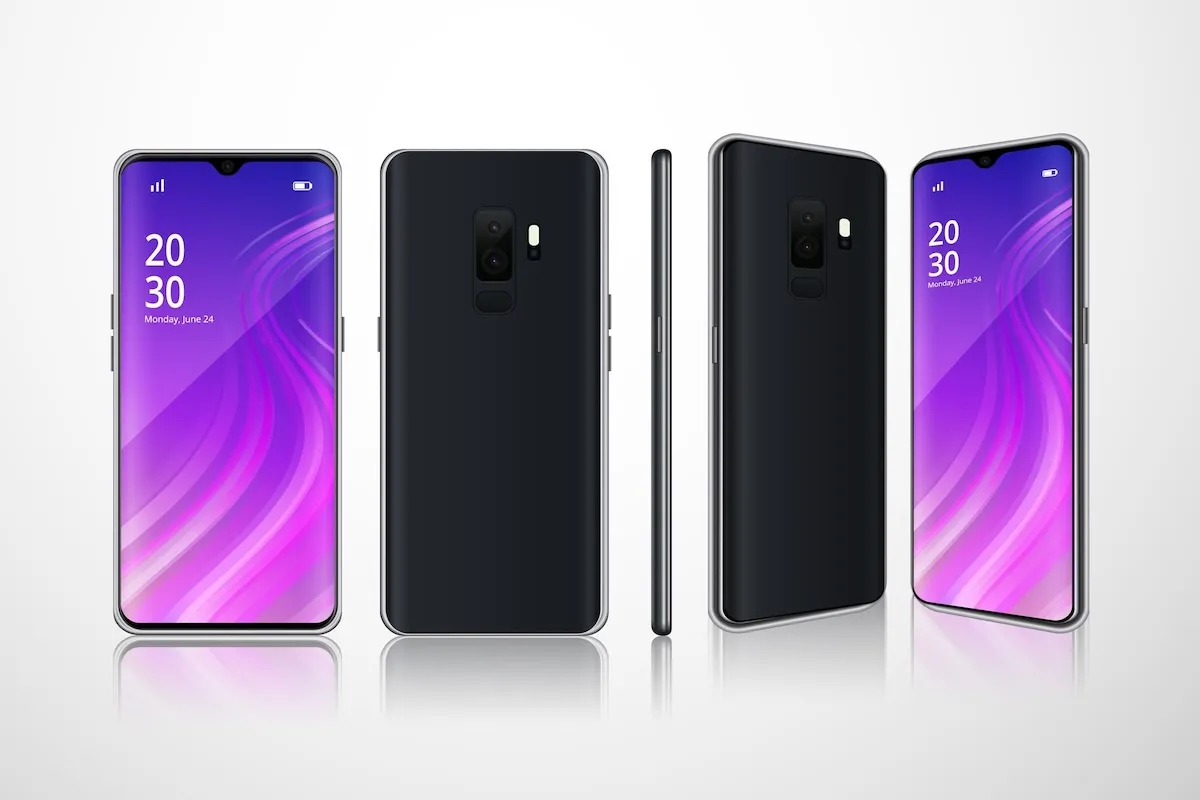
Android 16, the latest release from Google, brings a host of innovative features designed to enhance user experience, productivity, and connectivity. Among these, the introduction of Live Updates stands out as a game-changer, offering real-time information at your fingertips. In this blog, we'll explore what Live Updates are, how they work, and how you can make the most of this exciting new feature.
What Are Live Updates?
Live Updates are a new class of notifications in Android 16 designed to help users monitor and quickly access important ongoing activities. Similar to Apple's Live Activities on iOS, Live Updates provide real-time information directly on your device's status bar, allowing you to stay informed without constantly switching between apps. This feature is particularly useful for activities that require continuous updates, such as navigation, delivery tracking, or fitness monitoring.
How Do Live Updates Work?
Live Updates utilize the new ProgressStyle notification template, which offers a consistent user experience for progress-centric activities. Developers can integrate this feature into their apps, enabling notifications to display dynamic content that updates in real-time. For example, a navigation app can show the time until your next turn and estimated arrival time directly on the lock screen, keeping you informed without unlocking your device.
Google Maps: Pioneering Live Updates
One of the first applications to implement Live Updates is Google Maps. With the latest update, users running Android 16 Beta 2.1 can receive real-time navigation information on their status bar, such as:
This seamless integration ensures that essential information is always accessible, enhancing safety and convenience during travel.
Benefits of Live Updates
The introduction of Live Updates offers several advantages:
How to Enable Live Updates
To take advantage of Live Updates, ensure your device is running Android 16 and that your apps are updated to the latest versions that support this feature. As developers continue to integrate Live Updates into their applications, you'll start noticing real-time information appearing in your notifications.
Future Prospects
As Live Updates gain traction, more applications are expected to adopt this feature, broadening its utility across various domains, including:
Conclusion
Android 16's Live Updates feature marks a significant step toward a more integrated and efficient user experience. By bringing real-time information to your fingertips, it minimizes the need for constant app switching and keeps you connected to what's important. As more developers embrace this feature, the possibilities for enhanced user engagement are vast.
Experience the Future Today!
At CPR Cell Phone Repair, we're committed to keeping you updated with the latest technological advancements. If you have questions about Android 16 or need assistance with your device, our expert technicians are here to help. Visit your nearest CPR location or Book a repair here today!
Related posts

Have a Device that needs Repair?
Our certified technicians provide fast, reliable repairs for Smartphones, Tablets, Gaming Consoles, and more, all backed by our limited lifetime warranty for added peace of mind. Schedule your repair today.




All CPR Stores are independently owned and operated and may not offer all of the repair and warranty types listed on this website. Contact your local store for their specific repair capabilities and warranty terms. MMI-CPR, LLC and CPR Stores are not liable for warranties made by third parties on specific accessories or devices sold at CPR Stores. All product and company names are trademarks of their respective holders. iPhone, iPad, iPod, iPod touch, Mac and iMac are registered trademarks and property of Apple, Inc. CPR is a third-party repair company and is not affiliated with Apple.